TL;DR: AI-native browsers are redefining how ministry leaders research, write, and manage digital work — offering smarter, task-driven workflows that traditional browsers like Chrome weren’t built to handle.
|
In today’s digital ministry landscape, the right browser does much more than access web pages—it can shape how effectively you lead, learn, and connect with your congregation.
Most of us are familiar with Google Chrome. It’s fast, reliable, and works seamlessly with the Google ecosystem. But Chrome is fundamentally a traditional browser—it delivers links and information, but relies on you to piece everything together, manage dozens of tabs, and juggle multiple research tasks at once.
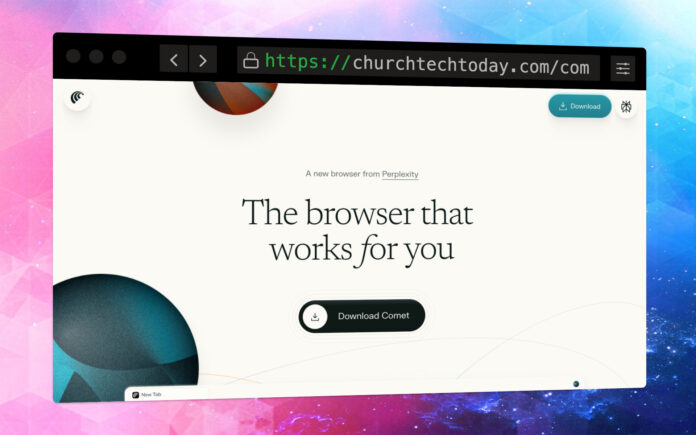
Enter the new wave of AI browsers like Comet from Perplexity AI.

These are not just browsers—they are digital ministry assistants. Comet stands out by integrating advanced AI tools directly alongside your everyday browsing. It can summarize lengthy articles (great for sermon prep!), answer deep questions in real time, pull insights across all your open tabs, and even help you plan, write emails, or organize tasks, all from inside the browser.
The difference is profound: with Comet, your browser doesn’t just show you information: it helps interpret, organize, and act on it, freeing up precious time for prayer, leadership, and connection.
Here are some ways pastors can put the AI Agent inside Comet to work in everyday ministry:
Personal Productivity: Use Comet to draft emails, outline meeting agendas, or create prayer lists without having to switch between apps—everything happens within the browser alongside your workflow.
Sermon Preparation: Highlight passages from commentaries, articles, or biblical resources—Comet can instantly summarize the main points, pull supporting scriptures, or answer theological questions right on the spot.
Research for Teaching Series: Open multiple tabs related to a topic (e.g., forgiveness, community, outreach). Comet synthesizes content across tabs, helping you consolidate diverse perspectives and applications with ease.
Event Planning & Coordination: Drag details from emails, web forms, or social media into Comet’s sidebar to quickly organize schedules, draft follow-up messages, or generate events for your calendar.
Community Engagement: Respond to common congregant questions. Comet can search across your open resources, notes, and trusted ministry sites to craft accurate, thoughtful answers.
Resource Curation: Collect and categorize articles, podcasts, or videos. Comet helps you quickly share resources with your team or small groups, providing concise summaries and source links.
For pastors and church leaders juggling research, community engagement, event planning, or discipleship resources, AI browsers radically improve focus and productivity. They enable you to cut through digital noise—and put key insights and next steps just a click away.
If you’re ready to experience the practical benefits of an AI-powered browser in your own ministry, check it out for yourself. Here’s an exclusive link where you can download Comet and receive a free Perplexity Pro account: www.churchtechtoday.com/comet