


TL;DR:
|
“Thy word have I hid in mine heart, that I might not sin against thee.” (Psalm 119:11, KJV)
Hiding God’s Word in your heart takes repetition over days and weeks. A good app handles the scheduling. It brings a verse back for review right before you are likely to forget it, and it gives you games or voice drills so practice feels less like homework.
Phones have helped Christians memorize Bible verses for more than a decade, and the options keep changing. Longtime favorites have added offline practice and speech recognition. Newer apps like Recite and MemoryVerses reached phones in 2026 with voice-first practice and tools for pastors.
Every app below was live in the App Store, on Google Play, or on the web as of November 2026. They are listed in alphabetical order.
What Are the Best Bible Memorization Apps in 2026?
1. The Bible Memory App
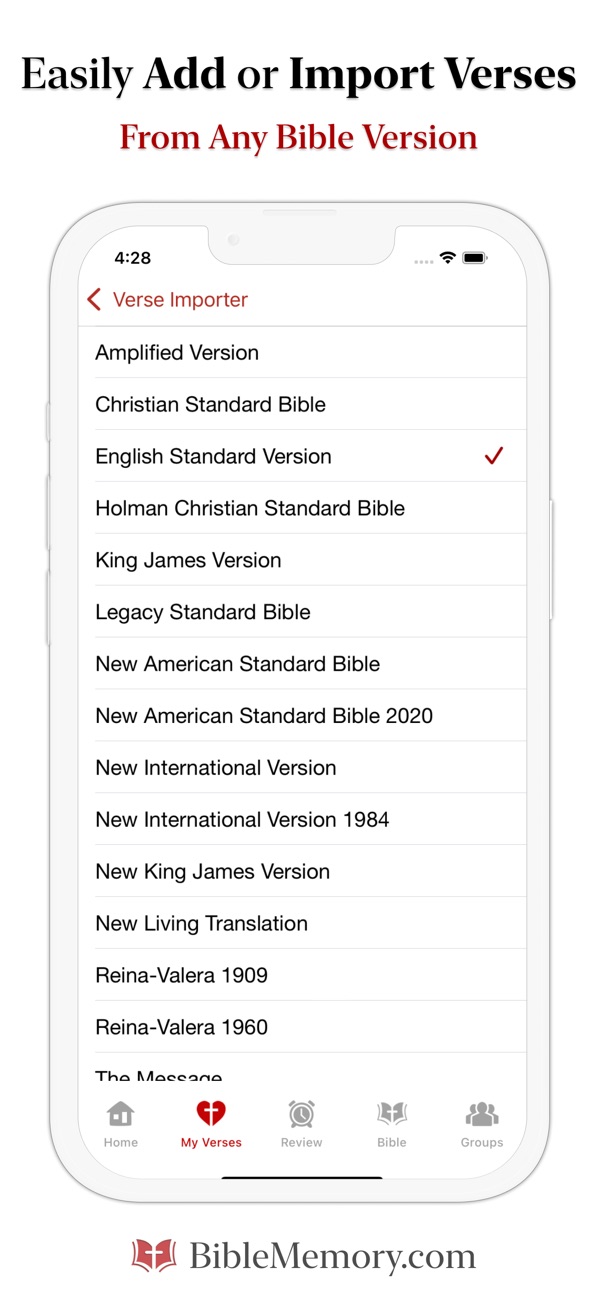
The Bible Memory App, once known as Scripture Typer, uses a 3-step system called Type It, Memorize It, Master It. You type the first letter of each word, and the app hides more of the verse each round until you can recall all of it. Once you master a verse, it goes into a review schedule so it comes back before it fades.
This app works well for longer passages and for groups. Its App Store listing says users can join one of more than 9,000 Bible memory groups or start their own.
It runs on iPhone, Android, and the web at BibleMemory.com, and your progress syncs across all of them. The free Lite version includes the core 3-step method. Paid upgrades add flash cards, audio recording, and more translations. Download it from the App Store or Google Play.
2. Fighter Verses
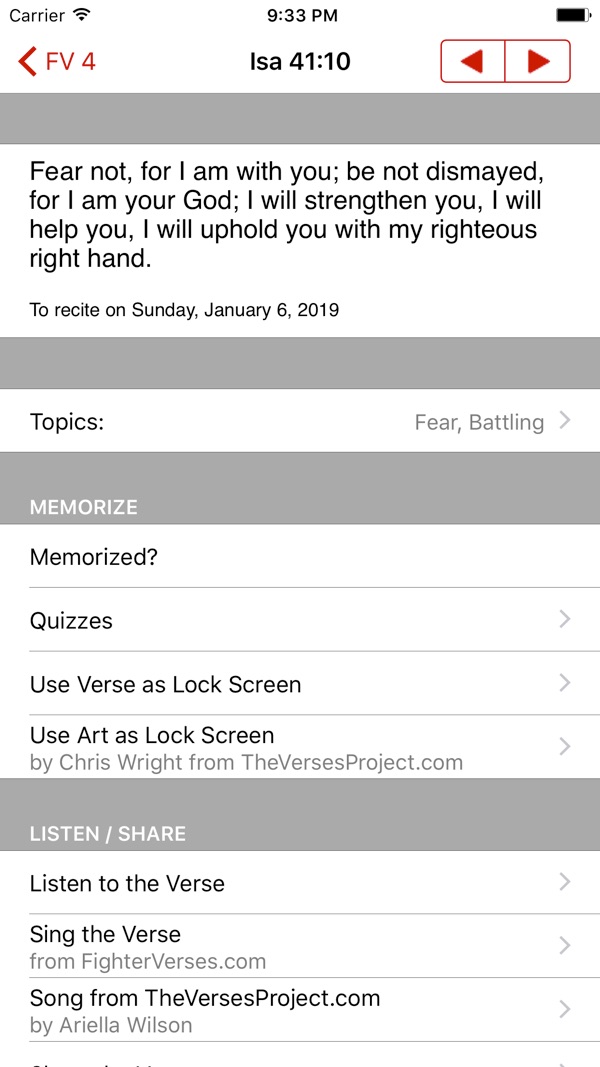
Fighter Verses comes from Truth78 and follows a set plan of one passage each week. The app comes loaded with more than 1,000 verses in two complete 5-year collections, so you never have to decide what to memorize next.
Families get a lot out of it. The Foundation Verses collection is made for young children, with a picture for each verse, and the app includes songs for learning verses through music. Adults can choose from 6 quiz types, including one that records you reciting the verse so you can check yourself against the text. A review feature brings memorized verses back daily, weekly, monthly, or twice a year.
Fighter Verses is a paid download, and a few translations cost extra. Get it on the App Store or Google Play.
3. MemLok
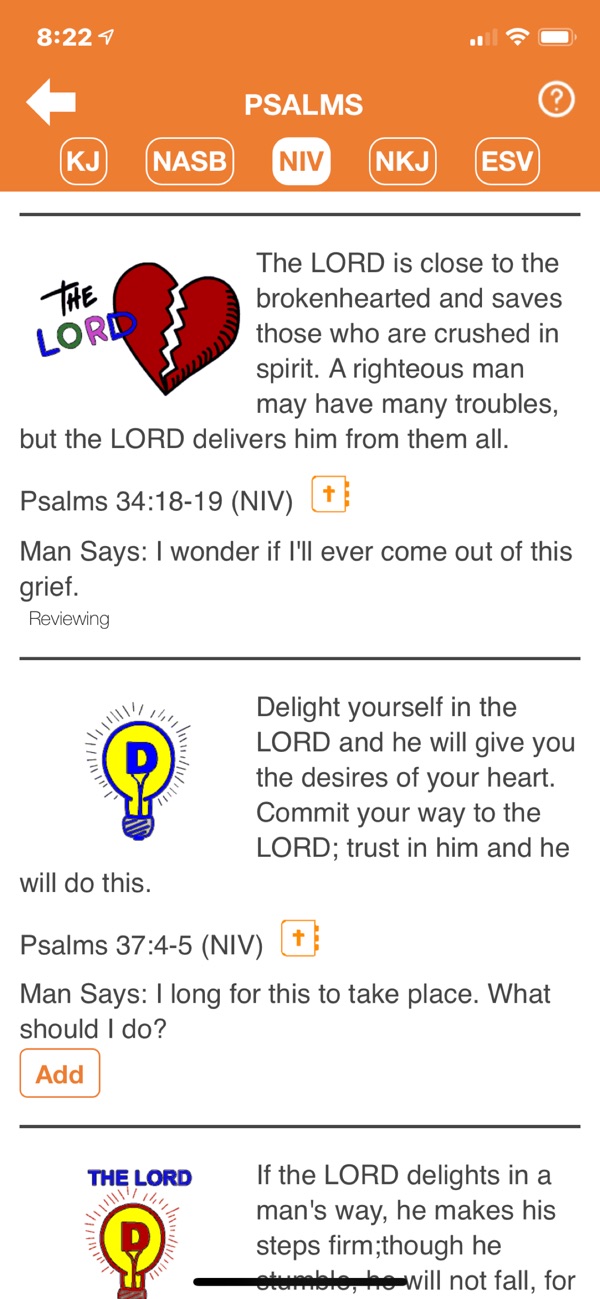
MemLok is built for visual learners. Each verse card comes with a word picture that gives you a mental hook for the words. You can pick from hundreds of pre-loaded verse cards organized by topic, or make custom cards with your own images.
You sort cards into daily, frequent, occasional, and seldom review piles, and the app includes games, word puzzles, and audio so you can listen to your verses. It offers 6 Bible translations.
MemLok is a free download with a one-time upgrade for the full edition. Get it on the App Store, or visit MemLok’s website for Android and the web app.
4. MemoryVerses
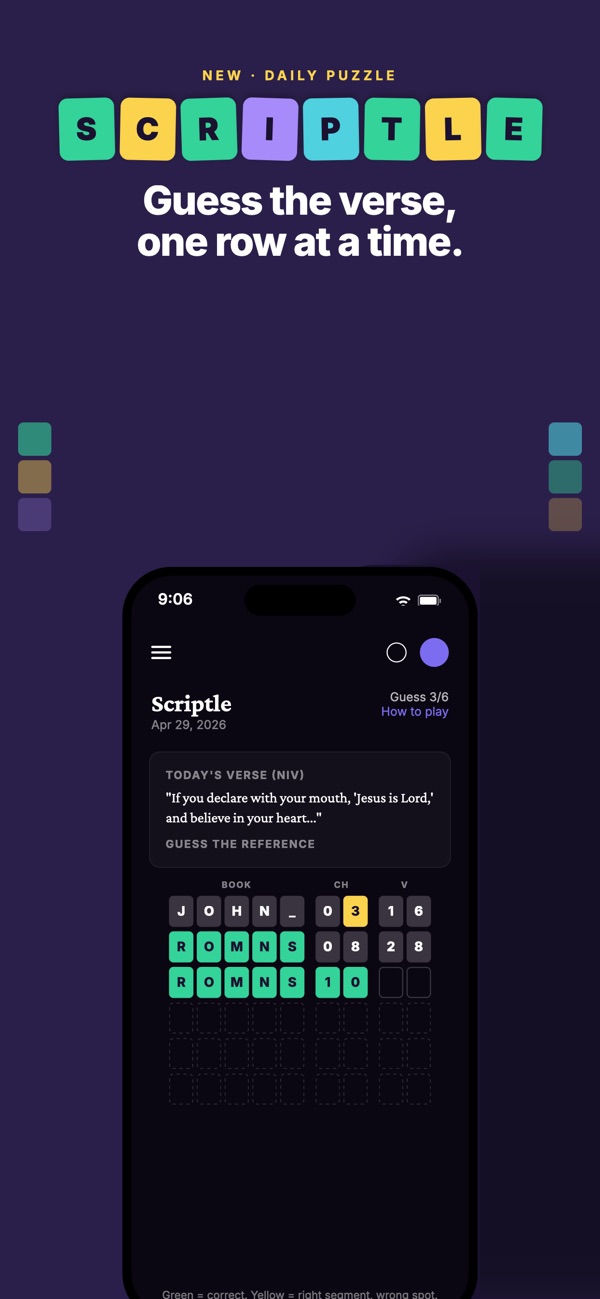
MemoryVerses started on the web and launched its iPhone and Android apps in 2026. Every feature is free. An optional supporter plan is there for people who want to give.
You can practice a verse 6 ways, from typing first letters to saying it out loud. A Memory Plan schedules your practice and review for you. Daily games add some fun, like Scriptle, where you guess the day’s verse reference in 6 tries, and a daily Bible crossword.
Church leaders should look closely at this one. Pastors can set one verse for the whole congregation, add a short note, and follow progress on a church dashboard. Teachers can start a free classroom, and families can manage each person’s practice from one parent account. Use it at MemoryVerses.com or download it from the App Store or Google Play.
5. Memverse
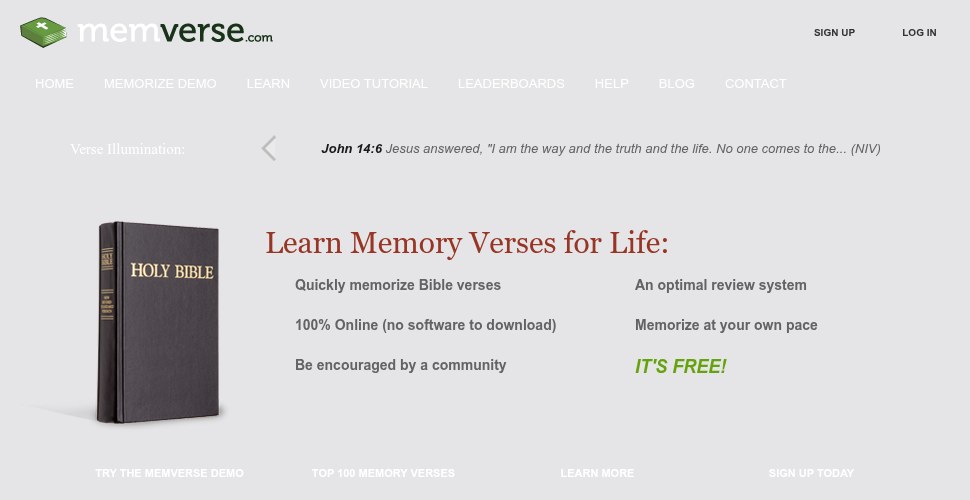
Memverse is a free website for memorizing Scripture, and it has been running for years. There is nothing to download. When you log in, Memverse shows you the verses due for review that day. The site works out the timing between reviews so you don’t have to.
It also tracks your progress, tells you when to add new verses, and keeps leaderboards for people who like a little friendly competition. It is a good pick for anyone who would rather practice on a laptop. Visit Memverse.com to start.
6. Recite
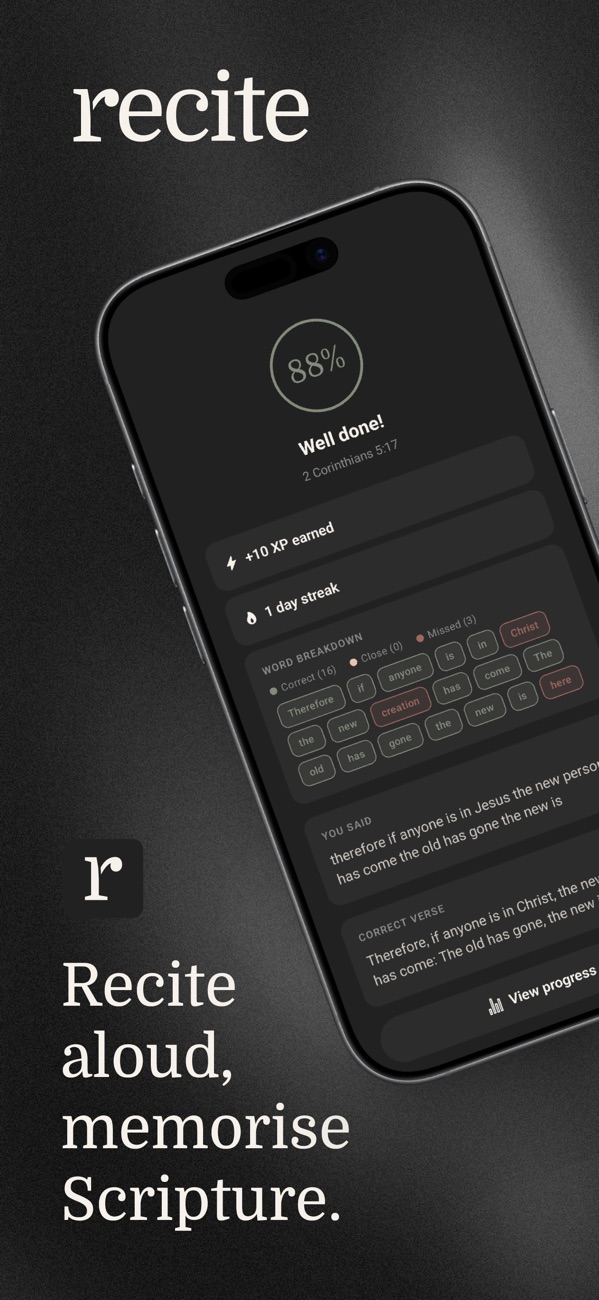
Recite is for people who remember words better when they say them. You speak the verse out loud, and the app listens and marks each word as right or missed. It uses the same spaced repetition method as the popular flashcard app Anki to decide when each verse comes back.
The app takes its starting point from the Navigators’ Topical Memory System. It comes with 34 verses across 17 topics, like salvation, prayer, and forgiveness, and you can add any verse you want. You can pick from 3 difficulty levels that hide more words as you improve.
Recite is free with no ads, and its App Store privacy label says the developer collects no data from the app. Download it from the App Store or Google Play.
7. Remember Me
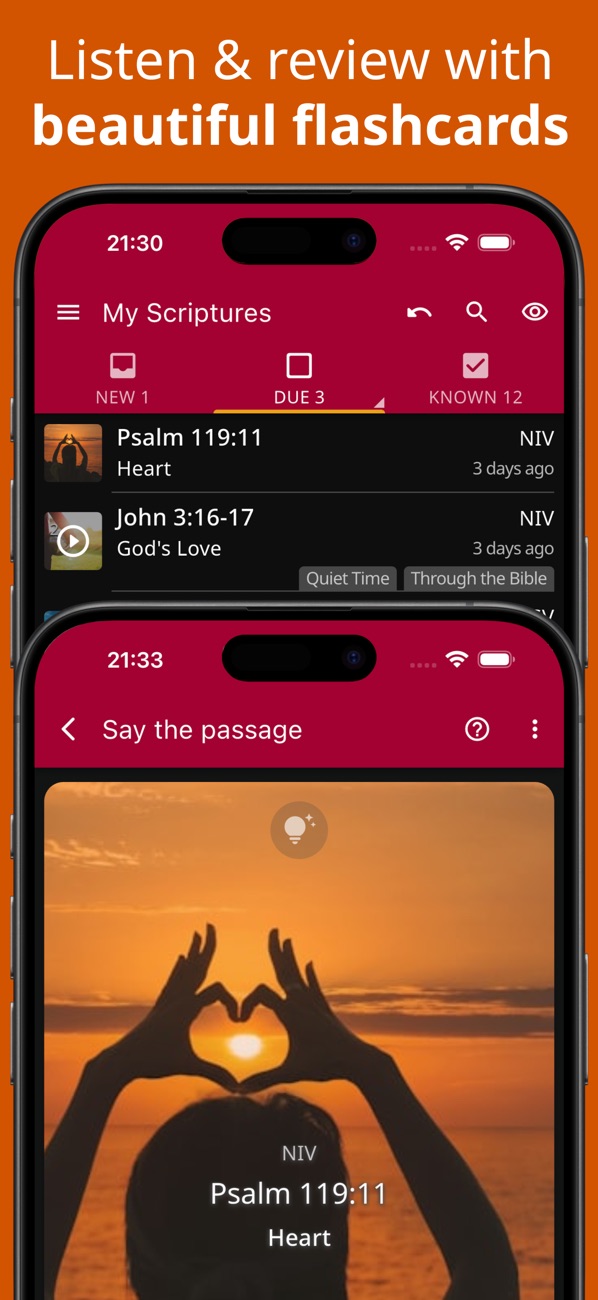
Remember Me comes from Poimena, a Swiss nonprofit, and it is free with no ads and no premium tier. The code is open source.
It offers more Bible translations than any other app on this list, with more than 300 to choose from, including Greek and Hebrew. Practice options include flash cards with spaced repetition, first letter hints, typing, fill in the blank, and recording your own voice. Its October 2026 update added streaks and hands-free audio review.
For churches, Remember Me offers a large library of shared verse collections and group progress tracking that does not show individual scores. It works offline and syncs when you reconnect. Get it on the App Store, Google Play, or the Microsoft Store for Windows, or use the web app.
8. VerseLocker
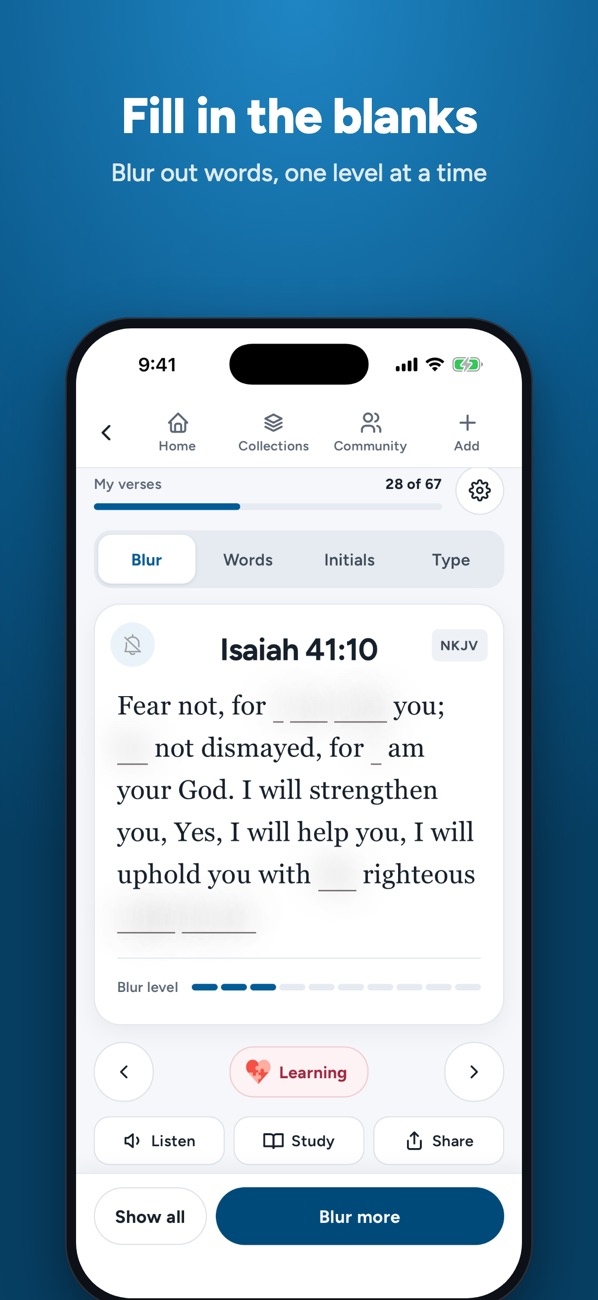
VerseLocker is made by Scripture Memory Fellowship, a nonprofit ministry focused on Bible memory. It is completely free, with no ads, no subscriptions, and no premium features.
You can listen to a verse on a loop, fill in missing words, type the verse from memory, or say it as you look at only the first letter of each word. Verses go into collections, and badges and a global leaderboard track your progress. VerseLocker can also turn your verses into printable cards, which helps if you like paper alongside your phone.
An October 2026 update added offline practice, so you can review without a signal. Download it from the App Store or Google Play.
9. Versify
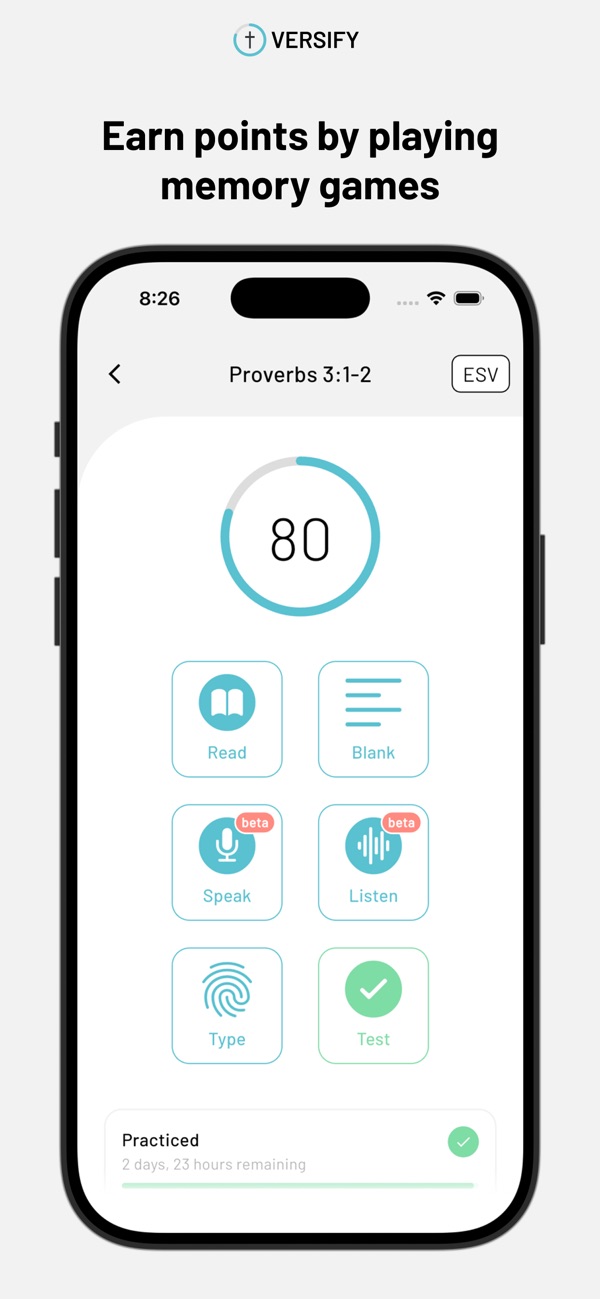
Versify keeps things simple. It is free, and you don’t need an account. Pick a verse, play games to learn it, and track your progress.
It supports 8 translations: ESV, NIV, NASB, NLT, CSB, BSB, LSV, and KJV. Recent updates added speaking and listening games, and an explore page suggests verses by topic. Versify does not sync across devices yet, so plan to use it on one phone.
Get it on the App Store or Google Play.
10. Within
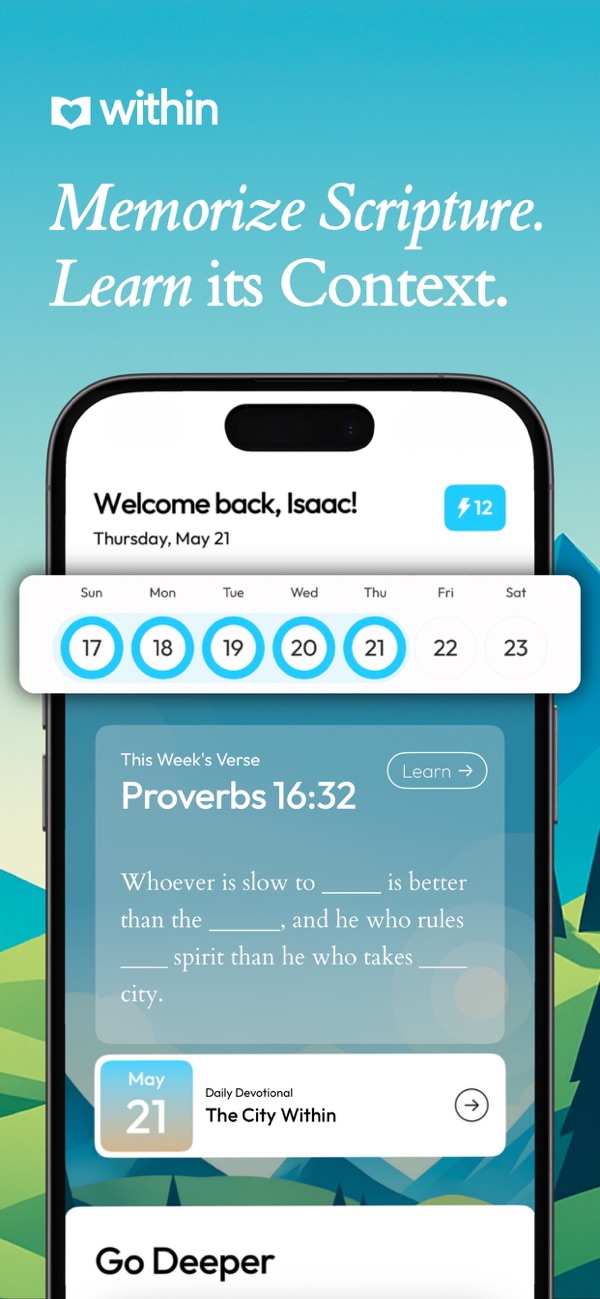
Within comes from the team behind the Malachi Daily Scripture memory newsletter. It pairs memorization with devotional reading. Each Verse of the Week comes with daily devotionals that explain the meaning and context of the passage, and the home screen walks you through a devotional, an application, and a prayer each day.
Your verses go into a Memory Bank, where you practice with games like Unscramble, Word Bank, Fill in the Blanks, and Flash Cards. Topic challenges cover anxiety, peace, prayer, identity, temptation, and sharing your faith.
Within is a subscription app for iPhone only. Download it from the App Store.
11. Wrinkly
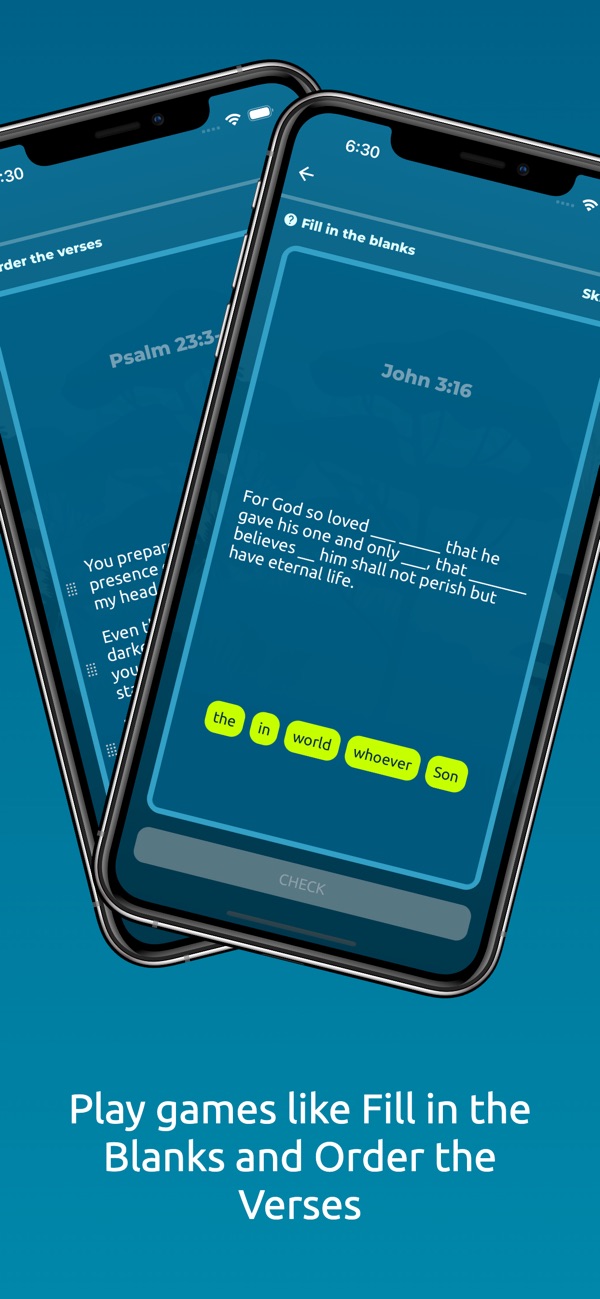
Wrinkly follows a read, play, and test pattern. You read a passage, play quick games with it, then test what you remember. It is free with no ads, and your progress syncs across iPhone, iPad, Android, and the web.
Wrinkly has 2 features built for ministries. Teachers can create classroom accounts, assign memory goals, and follow student progress. Camps, missions teams, and youth groups can run verse-memory fundraisers, with Wrinkly tracking the pledges and payments. The app also offers color themes for people with color vision differences.
Get it on the App Store or Google Play, or use it at Wrink.ly.
Which Bible Memory Apps Help a Whole Church Memorize Together?
MemoryVerses is built with churches in mind. A pastor sets one verse for the congregation and sees how many people have started it and how many have it memorized. Remember Me lets leaders share verse collections and track group progress without exposing anyone’s individual score. The Bible Memory App has thousands of groups, and any church can start its own.
For kids and students, Wrinkly’s classroom tools give teachers assignments and progress tracking. Fighter Verses gives families and churches one shared weekly passage to work on together.
One way to start is to pick a single passage from your current sermon series and ask the congregation to learn it in the same app over the next month. If your team is reviewing the discipleship tech your people use during the week, a shared memory verse is an easy first test.
Can You Memorize Scripture in a Web Browser Without an App?
Yes. Memverse is entirely online, so there is nothing to install. MemoryVerses, Remember Me, Wrinkly, MemLok, and The Bible Memory App all have web versions too, and most of them sync with their phone apps.
How Do You Choose the Right Bible Memorization App?
Start with how you learn best. If you remember things by saying them, try Recite. If typing helps, try The Bible Memory App. Visual learners should look at MemLok, and families with young children may like the songs and picture verses in Fighter Verses.
Then think about cost and language. Remember Me, VerseLocker, Versify, Recite, Wrinkly, MemoryVerses, and Memverse are free to use. Remember Me has the most translations. If you want a devotional built into your memory work, Within is designed for that.
Whichever app you pick, turn on its review reminders so your verses keep coming back in the weeks after you learn them.
Which Bible memorization app does your church use, and what has helped your people stick with it?