


A USB flash drive is a portable storage device that plugs into a computer’s USB port. It can store files, photos, videos, music and other digital data for easy transfer to another computer or device. Many USB flash drives come with software that allows you to encrypt your data for added security. They are an extremely convenient way to back up and transport important documents and other digital media. USB flash drives are ideal for backing up large files, since they can store larger amounts of data than other portable storage devices like CDs or DVDs which are totally outdated now. They also provide better protection against malicious software and viruses, making them a safer choice when transferring confidential information.
USB flash drives are also great for sharing files with other people. You can easily transfer photos, videos, music and other documents without having to worry about compatibility issues since they are universally compatible with most operating systems. They also make it easy to transfer large files since you don’t need an internet connection to do so. And USB flash drives are incredibly portable and easy to carry around, making them perfect for on-the-go use.
Most USB thumb drives have been in the USB-A variety. But many new computers, Macbook Pros in particular have moved to USB-C connections. So unless you are using an adaptor or dongle, all of your USB-A legacy flash drives are only good for cluttering up your desk drawers.
Typically you can use AirDrop, email, or even the cloud like Dropbox, to transfer files from one computer to another. But sometimes you just want a super quick way to do it, and a USB flash drive would be pretty handy.
What’s the difference between USB-A and USB-C?
USB-A is the traditional USB plug shape that you’ve seen on computers and other devices for a while now. It has a rectangular shape with two rows of four pins.
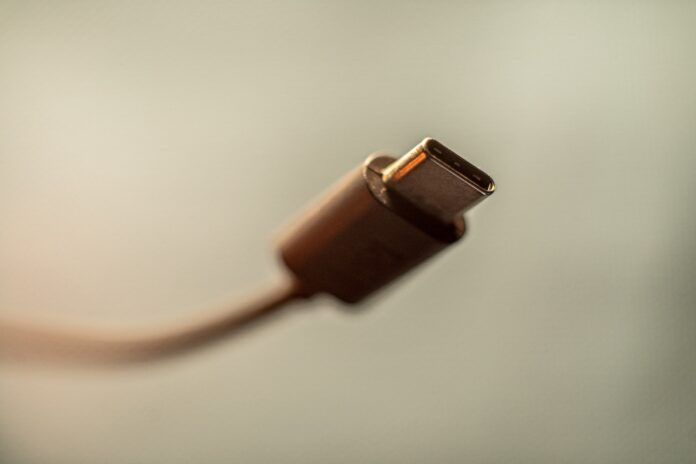
USB-C is the new, more modern version that was recently developed. It looks like a flattened circle with 24 pins around it, and it’s reversible which means you can plug it in either way. It also has more power capacity than USB-A, and is quickly becoming the new standard for charging phones, tablets, and other devices.
Many computers still have both types of ports so you don’t need to worry about replacing your existing devices right away. But if you’re buying a new device, like a Macbook Pro, you might be out of lunch with legacy flash drives.
Recently, I ran into the situation where I had to transfer my presentation slides to the tech booth team at a conference, and they happened to not have any wifi or cell signal available. And a USB-C flash drive would have been super convenient for me and my Macbook Pro. So this week I’ve been researching what options are available for an affordable high capacity USB-C thumb drive.

